
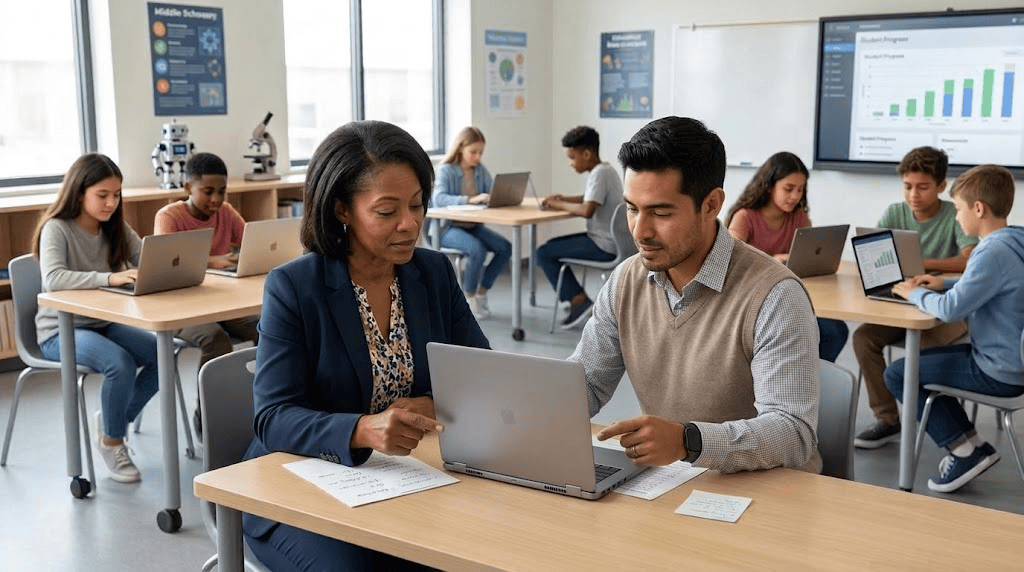
- Instructional Support: Co-taught Google Vids multimedia projects and built custom Google Site dashboards.
- AI & EdTech Training: Developed district-aligned AI Gems/Skills and trained teachers on tools like Snorkl and Luvvoice.
- Coaching & Unit Design: Led six classroom walkthroughs and co-designed a two-week middle school STEM unit.
Across multiple school sites, I helped bridge emerging AI workflows, multimodal classroom tools, and targeted pedagogical planning to support daily instruction.
Support kicked off with a middle school leadership teacher, transforming a traditional poster presentation into an interactive multimedia assignment using Google Vids inside Google Classroom. Together, we mapped out a four-scene collaborative template combining curated imagery, textual evidence, and voiceover reflections. Follow-up demo lessons modeled a gradual release of responsibility. I led an initial jigsaw lesson while the teacher observed workflow and pacing, then shifted into a co-teaching role as the educator drove instruction for the next period.
In 7th-grade math, we built a custom Google Site to serve as an intuitive, branded digital dashboard for daily resource navigation. We integrated school colors and logos, formatted uniform clickable badge icons, set up a Chrome bookmark bar shortcut, and established simple maintenance routines for regular classroom use.
Collaborating with a K-8 Learning Director, we focused on systems-level AI implementation, building custom Gems and Skills grounded in district and PBIS handbooks, while leveraging Gemini Notebook to construct upgraded visual presentation decks. During prep periods with a 7th-grade educator, we developed audio scaffolding for listening exercises using Luvvoice and Google Vids, paired with deep-dive training on Snorkl features, including PDF snipping, audio recording, copy-paste settings, and structuring tiered Activity Sets to maximize free-tier limits.
A high-volume coaching walkthrough spanned six middle school classrooms across humanities, science, and student support. Sessions with 7th and 8th-grade ELA and history educators addressed migrating custom Gems to Skills, establishing Snorkl Activity Sets for written feedback, deploying Helperbird accessibility tools, and configuring live translated captions in Google Meet. In STEM and science classrooms, coaching focused on Snorkl photo uploads for explaining scientific models, tiered “Mild, Medium, Spicy” task sets, and vibe-coding simulations in Gemini. Work with an intervention teacher focused on designing core SEL resources centered on accountability and respect.
The week concluded with a collaborative unit design alongside a fellow instructional coach and a 7th-grade science teacher, mapping a two-week engineering challenge on cold packs and synthetic versus natural material business plans. Additionally, I provided remote support for an alternative education high school teacher to process Drive-stored audio files through Gemini for transcription.
This blog post was drafted with the help of Google Gemini to help organize and flesh out my thoughts and ideas regarding a week in my life as an edtech coach. I also used Gemini Notebook to generate a brief audio overview, perfect for those who want to listen and learn on the go.
If you enjoy this blog, you’ll love our new book, History Matters in an AI Era. Available now on Amazon, this book shares practical, research-based strategies for integrating technology into history lessons. You’ll learn how to use technology to increase student engagement and curiosity. Click here to get your copy today.

Leave a Reply