
- Automated observation feedback and Red Ribbon Week certificates for school leadership and support staff.
- Used Snorkl, NotebookLM, 99math, and EduProtocols across 1st, 2nd, and 3rd grades for math, literacy, and data analysis.
- Integrated 99math, vocabulary protocols, audio translation tools, and custom Gemini rubric Gems in 5th grade.
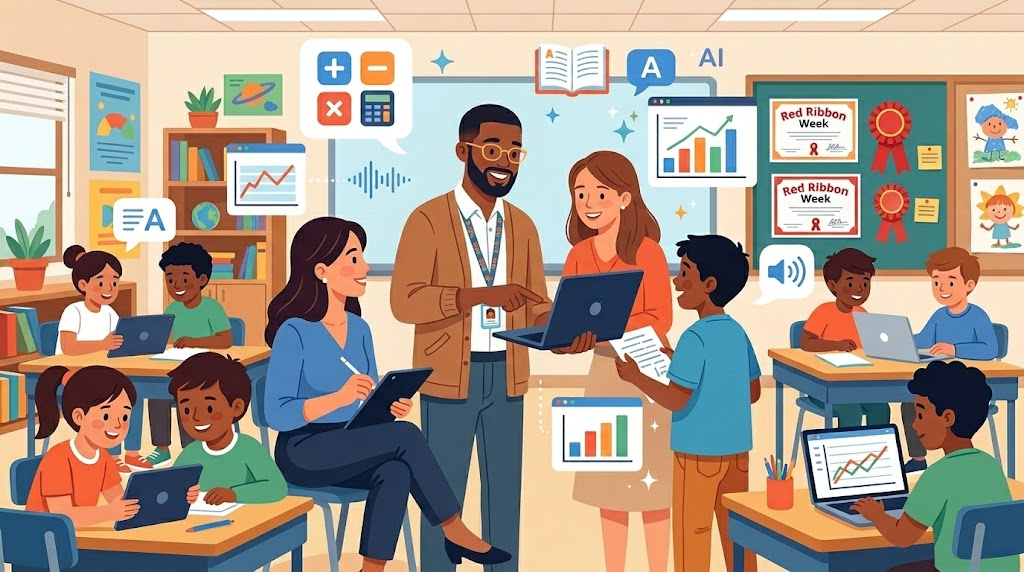
Supporting educators with technology integration means meeting every team right where they are. Over Thursday, October 15, and Friday, October 16, 2026, our work spanned from schoolwide observation systems to engaging, hands-on student lessons across multiple grade levels. Here is a look at how practical technology tools came to life across those two days.
We kicked off Thursday alongside a Principal and Learning Director, building an informal observation platform powered by Google Forms and FormMule. The system automatically sends teachers recap emails featuring “glows and grows,” subject, date, and time, while aggregating high-level observation data for admin leadership.
First-grade teachers reviewed past “Tricky Words” practice videos and mapped out new practice games aligned with district word lists. We explored Gemini Notebook to generate spelling resources and visual infographics, walked through comic book prompting techniques, and covered how to unassign completed Snorkl activities to optimize free account limits.
Grade
Second-grade teams centered on math fluency and assessment analysis. After evaluating Snorkl and 99Math usage, we vibe-coded a custom “Math Facts Sprinter” web tool for targeted student practice—covering addition and subtraction up to 20, as well as multiplication facts for 1–5 and 10. We also leveraged Gemini Notebook to analyze benchmark and common assessment data, craft short introductory videos, and build parent updates. Finally, teachers examined EduProtocols like Thin Slides, Sketch and Tell, and Fast and Curious.
Third grade immersed themselves in Snorkl and Gemini Notebook. In one classroom, we prepped for upcoming lessons by exploring Snorkl Activity Sets, audio/video uploads, and PDF snipping, while using Gemini Notebook for one-pagers, infographics, media overviews, and assessment analysis. In another classroom, we facilitated three Snorkl demo lessons on three-digit addition (with and without regrouping) and ELA main idea selection with verbal justifications. On Friday, a third-grade class capped off the week with a live Snorkl lesson where students solved a two-part subtraction word problem comparing the heights of the Statue of Liberty and a Buddha statue, verbally explaining their reasoning.
Fifth-grade teachers integrated 99Math join links into Google Classroom Quick Links and applied the Fast and Curious EduProtocol for content-area vocabulary across science, math, social studies, and ELA. They also explored Snorkl translation features, tested Luvvoice for generating multi-dialect translated audio read-alouds, and built custom Gems in Gemini to evaluate student writing against rubrics with score justifications and evidence-based pull quotes.
To round out the week, we partnered with an Instructional Coach to automate Red Ribbon Week 2026 certificate creation via Autocrat and established a seamless printing workflow on custom cardstock.
This blog post was drafted with the help of Google Gemini to help organize and flesh out my thoughts and ideas recapping the past two days as an edtech coach. I also used Gemini Notebook to generate a brief audio overview, perfect for those who want to listen and learn on the go.
If you enjoy this blog, you’ll love our new book, History Matters in an AI Era. Available now on Amazon, this book shares practical, research-based strategies for integrating technology into history lessons. You’ll learn how to use technology to increase student engagement and curiosity. Click here to get your copy today.

Leave a Reply