
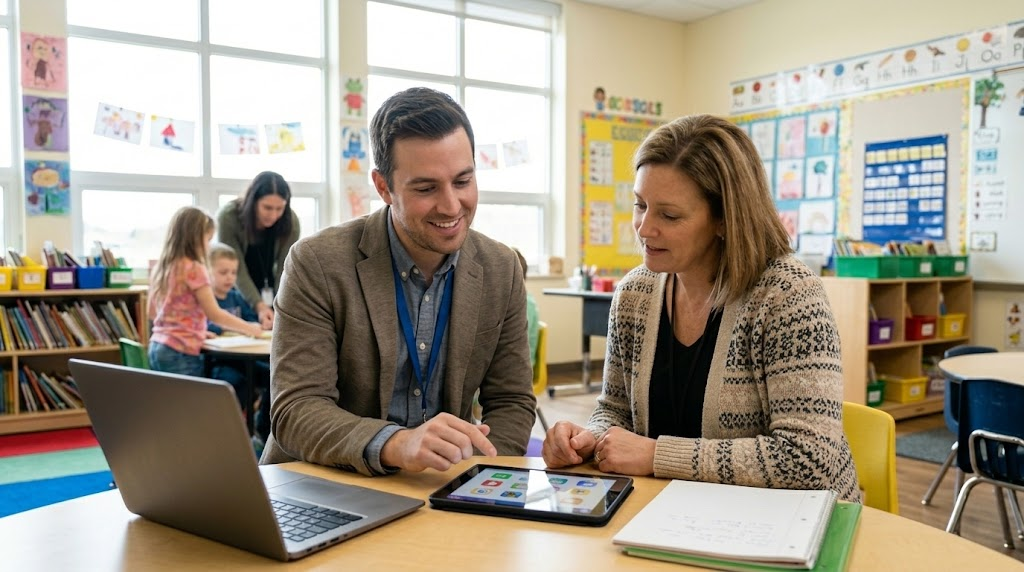
- Early Primary Math: Collaborated to use AI tools to generate interactive math slide decks that include structured sentence starters, helping young learners build foundational skills and practice math discourse.
- Elementary ELA & Easing Workflows: Explored digital reading and language tools to support reading fluency and ELD tasks, while also establishing workflows for AI-generated passages and audio/video student feedback.
- Special Education Communication: Streamlined parent updates by leveraging AI to design custom flyer templates, create clear infographics for IEP meetings, and format clean, printable math handouts.
Welcome to another exciting day of integrating technology into our classrooms! On October 14, 2026, I had the pleasure of working with several amazing elementary school educators. From early primary math to special education communication, we explored practical ways to use digital tools to support student learning and simplify teacher workflows.
In our Transitional Kindergarten and Kindergarten classrooms, the focus was on building foundational math skills and encouraging student discourse. We collaborated to craft custom prompts for Gemini. We generated interactive math slide decks that cover number writing, number identification, counting objects, and rote counting. To help our youngest learners explain their thinking, we embedded structured sentence starters right into the slides. Giving students simple sentence frames provides a clear framework for math discussions. For letter and number sounds, we began creating instructional videos, soundboards, and games.
Moving up to third grade, we explored digital reading tools. We looked at Read Along in Google Classroom and discussed the workflow for uploading custom text and generating reading passages with AI. We also reviewed Snorkl reading fluency activities designed to provide targeted practice for students reading below grade level.
In fifth grade, we reviewed their Snorkl implementation for ELA and ELD tasks. We discussed how to manage free account limits by unassigning older activities. We then explored the latest Gemini Notebook updates, including short videos and photo uploads via the Google Drive mobile app. I also shared an overview of 99math and highlighted how to use Google Classroom audio and video recording tools for communicating with students. We even outlined plans for December writing feedback using Snorkl, Gems, and Gemini.
Finally, I worked with a grades 3-5 SDC teacher to streamline parent communication for Special Education. We used Canva AI to design custom flyer templates with student photo placeholders for ParentSquare updates. We also utilized Gemini Notebook to analyze IEP goals and create clear parent infographics and short video overviews for meetings. To top it off, we used Gemini LaTeX prompting to format clean math handouts and export visuals to Google Slides for printing.
Technology integration is all about finding what works best for your classroom. I hope these examples inspire you to try a new digital strategy with your students!
This blog post was drafted with the help of Google Gemini to help organize and flesh out my thoughts and ideas recapping my day as an edtech coach. I also used Gemini Notebook to generate a brief audio overview, perfect for those who want to listen and learn on the go.
If you enjoy this blog, you’ll love our new book, History Matters in an AI Era. Available now on Amazon, this book shares practical, research-based strategies for integrating technology into history lessons. You’ll learn how to use technology to increase student engagement and curiosity. Click here to get your copy today.

Leave a Reply