
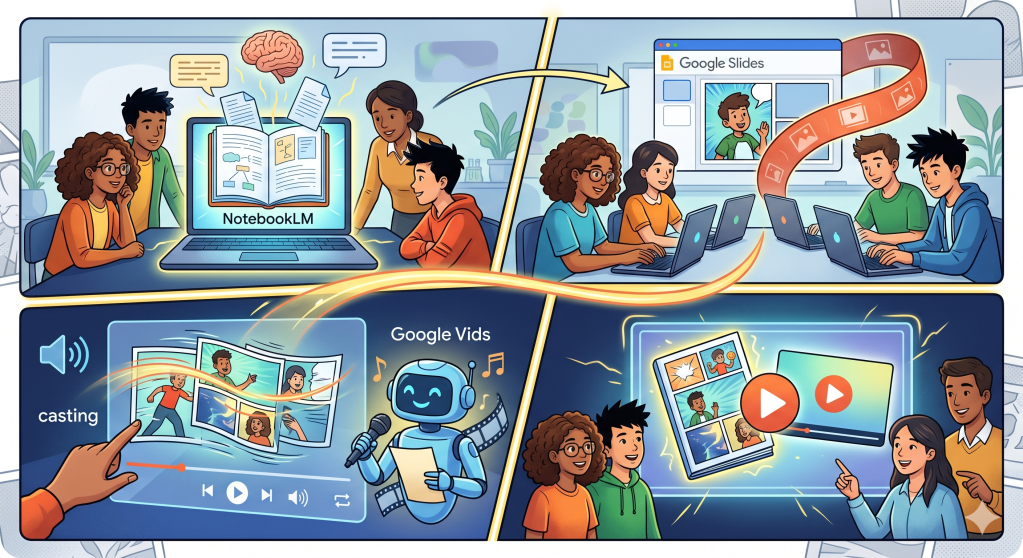
- Organize and Generate: Upload up to 50 sources into NotebookLM and use a specific prompt to generate a readable graphic novel slide deck for a target grade level.
- Convert to Slides: Download the project as a PowerPoint and upload it to Google Drive to automatically convert it into a Google Slides presentation.
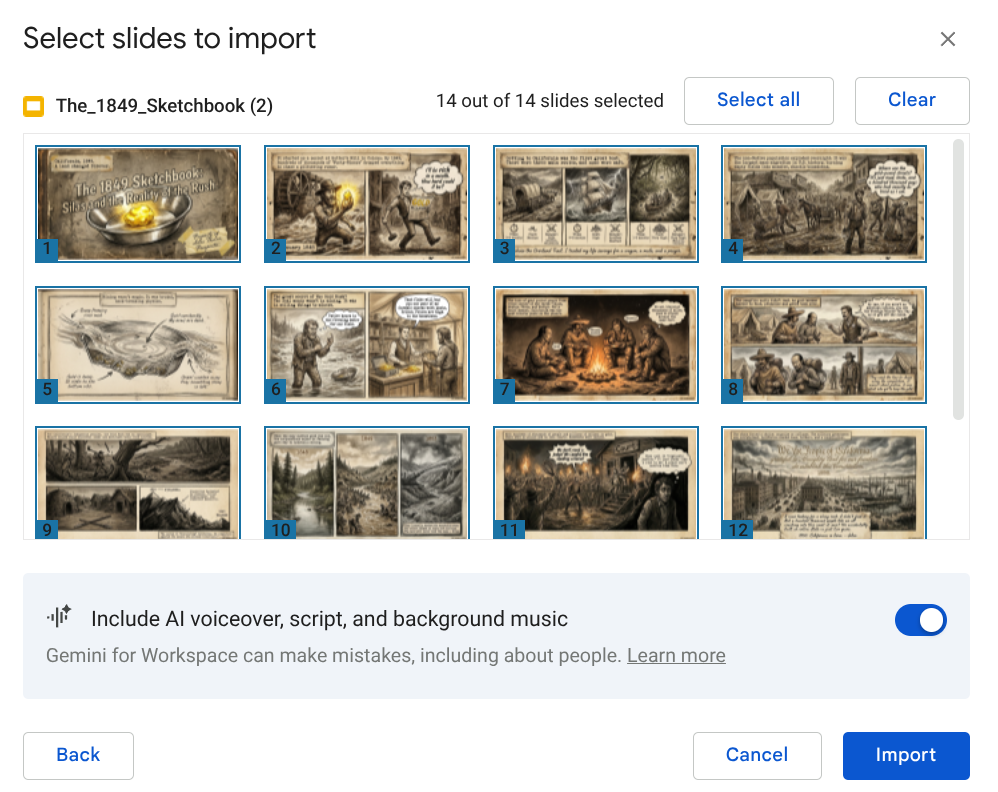
- Transform into Video: Use Google Vids to import the slides and automatically add an AI voiceover, script, and background music to create a polished MP4 video.
In the evolving landscape of educational technology, finding tools that genuinely engage students while simplifying the creative process is essential. One of the most dynamic ways to bring content to life is through the creation of graphic novels and accompanying videos. This process, which combines NotebookLM, Google Slides, and Google Vids, offers educators a practical and innovative way to help students explore complex topics in an engaging visual format.
The journey begins with NotebookLM, where you can organize your source material. Whether you are teaching a lesson on the California Gold Rush or a specific science concept, you can upload up to 50 different sources to inform your project. Once your sources are set, the next step is to use the slide deck feature. By providing a specific prompt, such as asking the tool to create a completed and readable graphic novel for a specific grade level, you can generate a series of dynamic images that read just like a traditional graphic novel. It typically takes between five and ten minutes to generate a full deck of 10 to 15 slides.
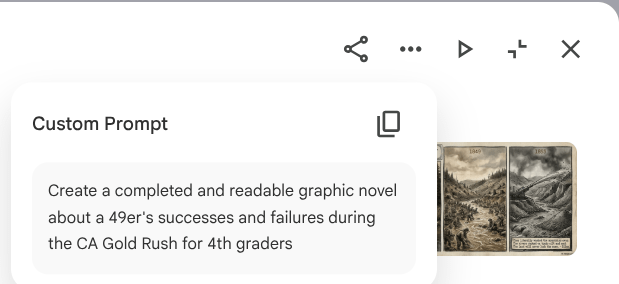
Add your details and context after.
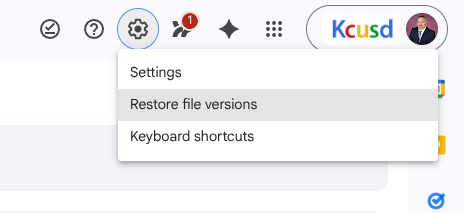
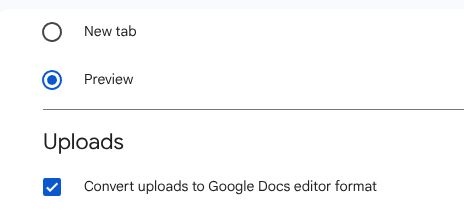
After generating your slides in NotebookLM, you can download the project as a PowerPoint file. To move this into the Google ecosystem, simply upload the file to Google Drive. A helpful tip is to ensure your Drive settings are configured to automatically convert uploaded files to Google Docs editor format. This ensures your graphic novel is ready to use as a Google Slides presentation immediately upon upload. (You will only have to configure this setting once.) While the images themselves are static, you can use the revise tool within the original platform to make specific changes to text or imagery before the final export.
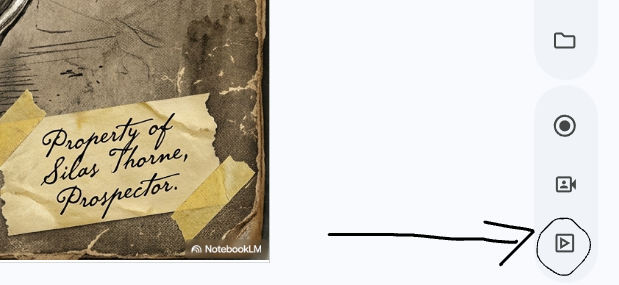
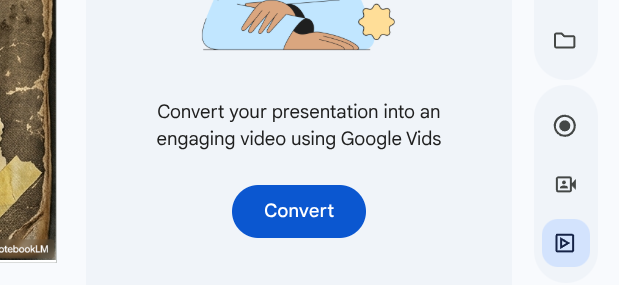
The most exciting part of this workflow is the integration with Google Vids. From within Google Slides, you can select the convert to video option, which imports your project into Google Vids. This tool takes your static graphic novel and transforms it into an engaging video complete with an AI voiceover, a script, and background music. Each slide becomes its own scene, and the entire video is typically between two and three minutes long.
The final video is fully editable, allowing you to refine the AI-generated script or adjust the timing of each scene to better fit your educational goals. Once you are satisfied with the result, the video can be downloaded as an MP4 file. This makes it incredibly easy to share with students through Google Classroom or YouTube. By following this streamlined process, you can provide your students with engaging learning material that is both supportive of their academic growth and polished.
This blog post was drafted with the help of Google Gemini to help organize and flesh out my thoughts and ideas regarding how to create graphic novels and accompanying videos with NotebookLM, Google Slides, and Google Vids. I also used NotebookLM to generate a brief audio overview, perfect for those who want to listen and learn on the go.
If you enjoy this blog, you’ll love our new book, History Matters in an AI Era. Available now on Amazon, this book shares practical, research-based strategies for integrating technology into history lessons. You’ll learn how to use technology to increase student engagement and curiosity. Click here to get your copy today.

Leave a comment