
Enhancing Surface Area Lessons with Simple Tech
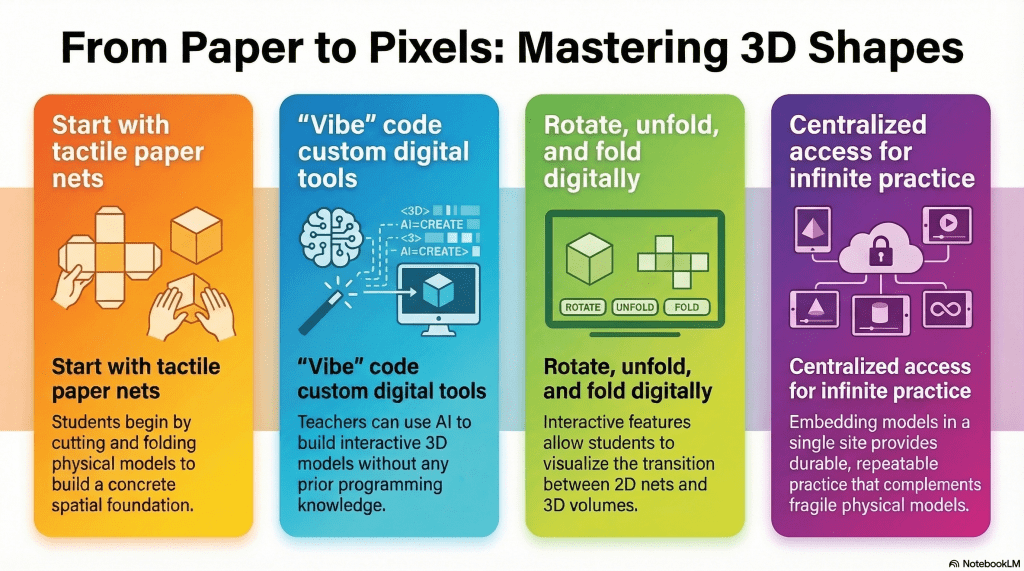
- Physical Practice: Sixth graders used paper nets to physically build 3D polygons, establishing a tactile understanding of surface area.
- Digital Translation: Interactive 3D models were created using simple language prompts in Google Gemini without any formal coding knowledge.
- Reinforced Learning: These digital shapes were hosted on a Google Site, allowing students to virtually fold and rotate models to bridge 2D and 3D concepts.
The transition from 2D shapes to 3D thinking is a significant leap for many sixth-grade students. In a recent classroom observation, I watched an educator masterfully bridge this gap. The lesson focused on the Net Method for calculating the surface area of cubes, pyramids, rectangular prisms, and triangular prisms. The approach was tactile and effective. After some direct instruction, students cut out paper nets and physically folded them into 3D objects. This hands-on experience provided a solid foundation, but it also sparked an idea for how technology could further reinforce this spatial reasoning.
While physical models are indispensable, they can sometimes be fragile or difficult to manipulate repeatedly. This led me to explore how accessible AI tools could help a teacher create a digital companion for this lesson. Even without any background in computer programming, it is now possible to build interactive tools through a process often called “vibe” coding. By simply describing my vision to a tool like Google Gemini, I was able to develop a set of interactive 3D models tailored specifically to this math objective.

The goal was to create a digital version of the paper activity. I instructed the AI to generate models of the four shapes that students could rotate 360 degrees. This allowed for a full view of every face and vertex. To mirror the classroom activity, I requested a feature where clicking on a side would cause the model to unfold one side at a time into its 2D net. Once the students could see the flattened shape, a simple button would allow them to fold it back into its 3D form.
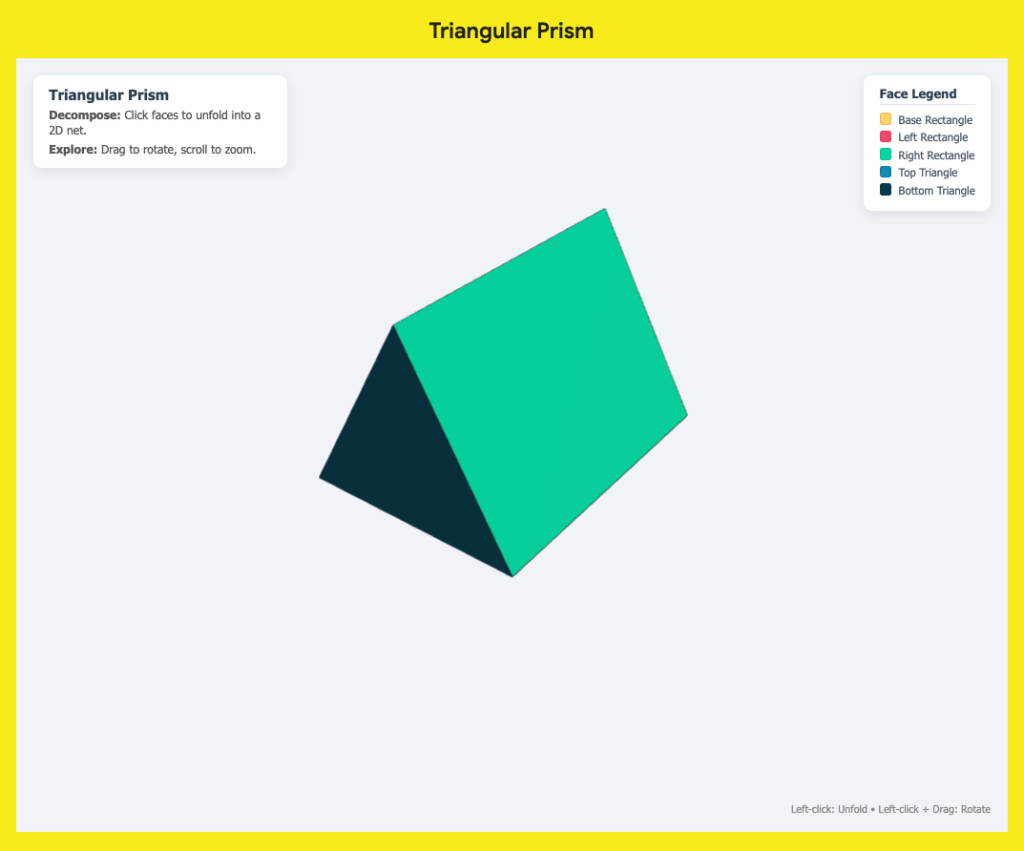
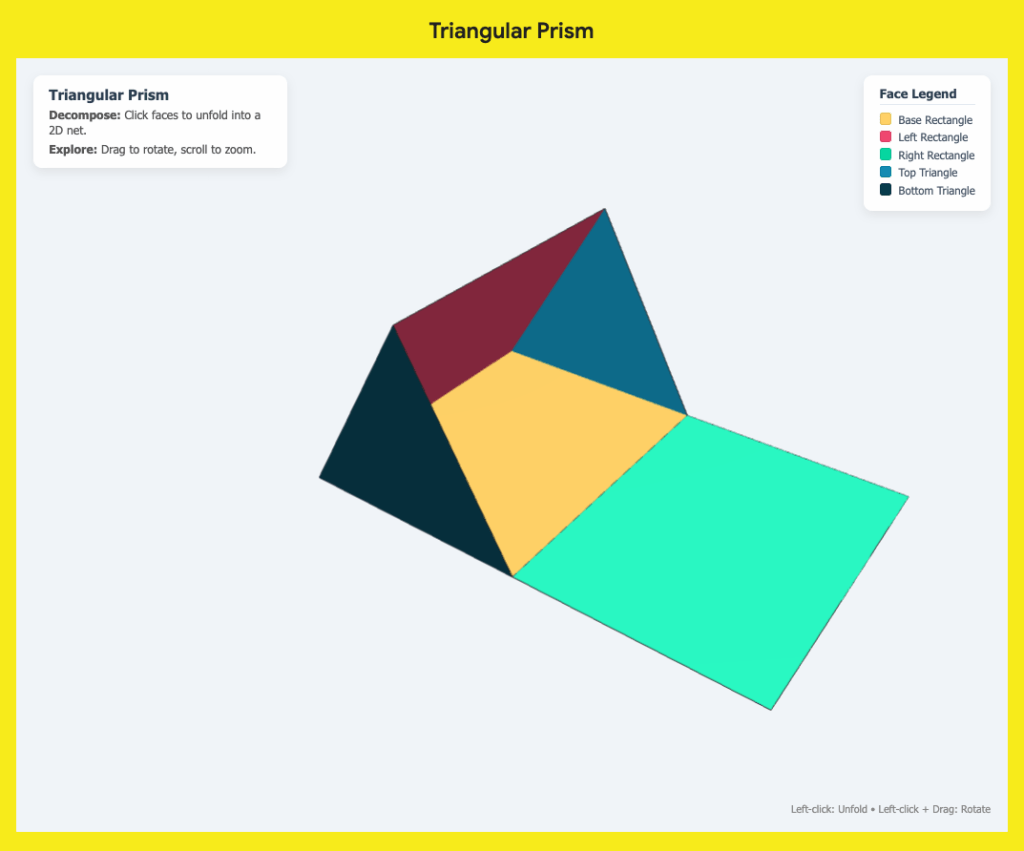
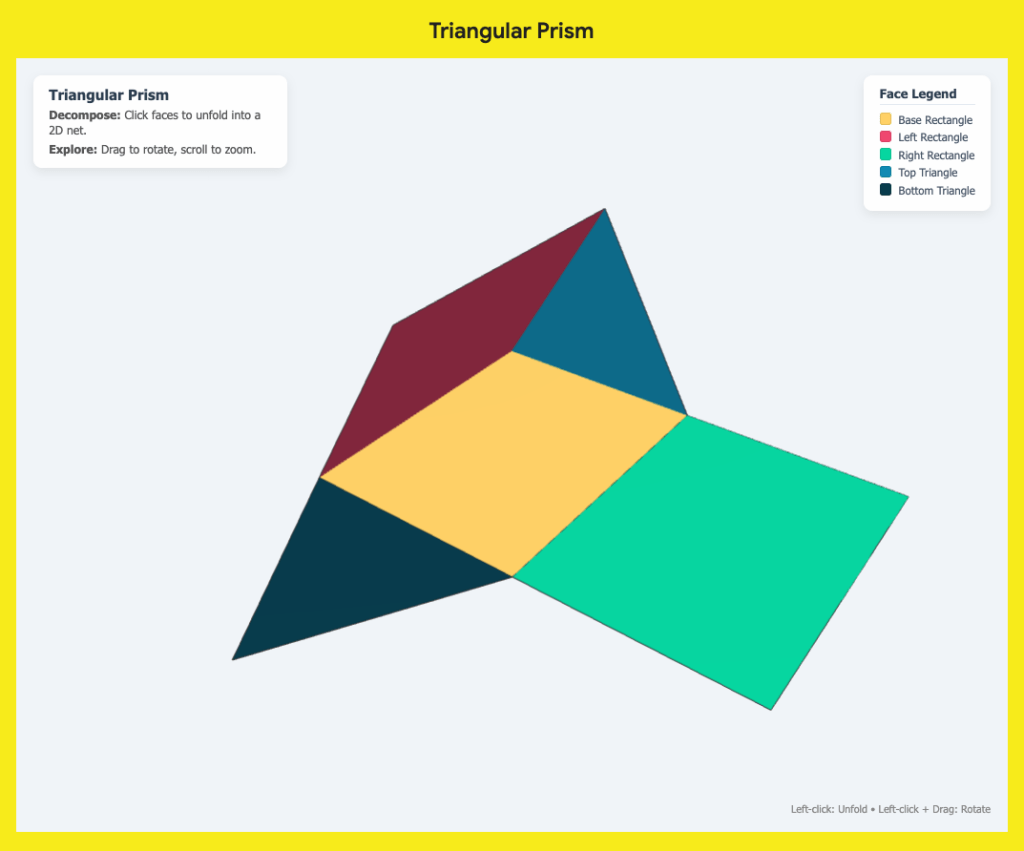
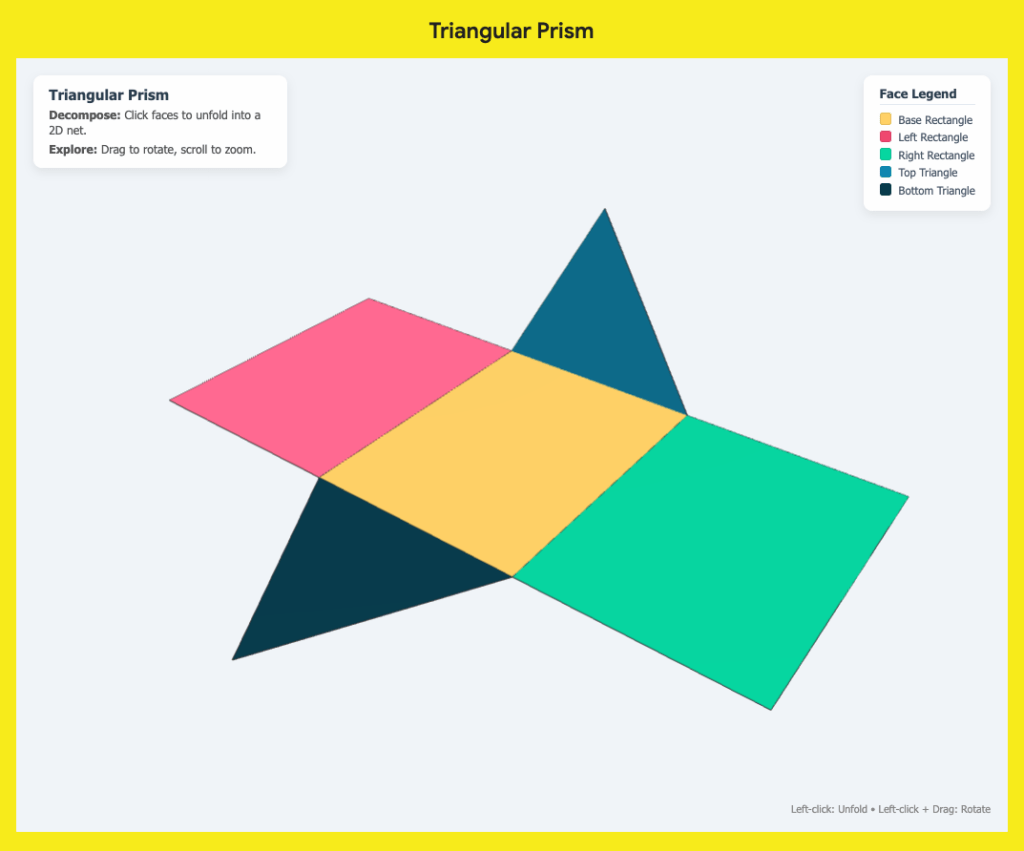
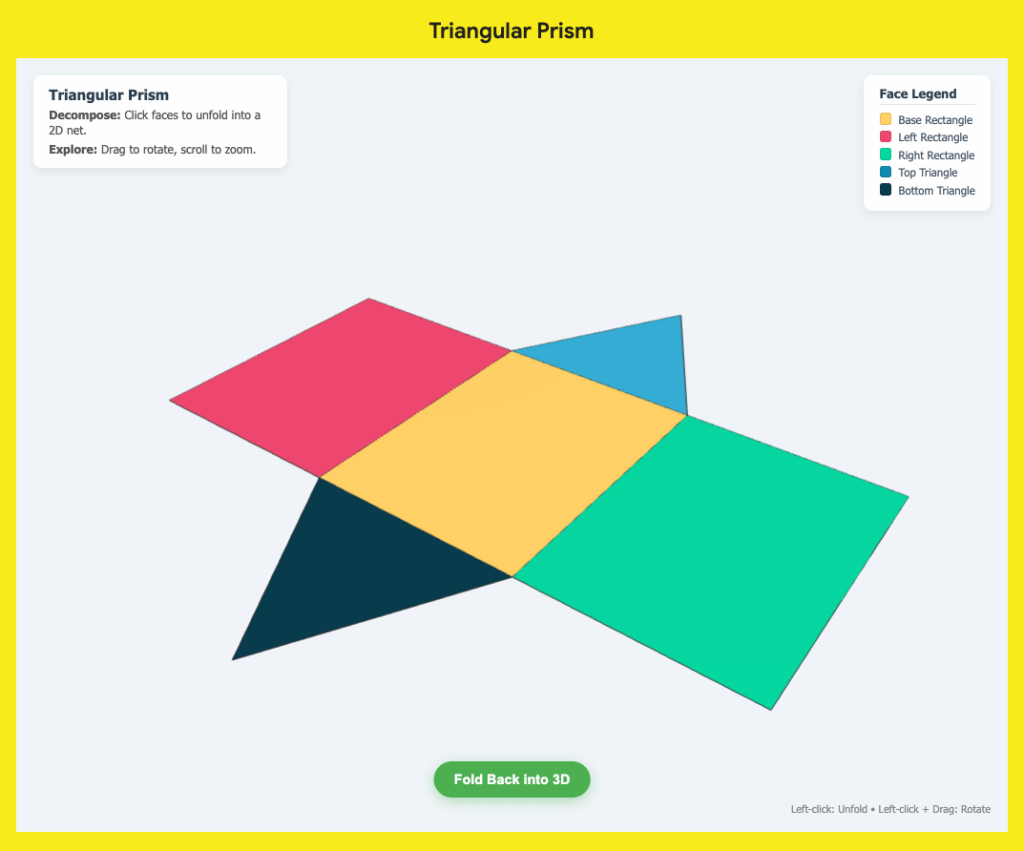

To make these tools easily accessible for the classroom, I embedded the resulting code for each model into a single Google Site. (All I had to do was use the embed tool for each model and paste the respective code.) Having all four shapes on one page meant the teacher could provide a single link to the students. This digital resource served as a perfect follow-up to the physical cutting and folding. Students who might have struggled with the precision of paper models could now interact with the shapes infinitely, observing the relationship between the flat faces and the volume they enclose.
The beauty of this integration is that it does not replace the hands-on experience. Instead, it honors the work students did with their guided notes and scissors while providing a modern way to practice. For educators, this highlights a shift in how we can approach edtech. You do not need to be a coder to create custom, high-quality digital manipulatives. You only need a clear pedagogical goal and the willingness to describe it.
When we combine tactile learning with interactive digital models, we can provide students with multiple pathways to understand complex geometric concepts. This teacher’s excitement to use the website was a reminder that the best technology serves the lesson, reinforcing the skills students have already begun to master with their own two hands.
This blog post was drafted with the help of Google Gemini to help organize and flesh out my thoughts and ideas regarding how to vibe code with Gemini to build 3D, interactive models of polygons, reinforcing the concept of the net method. I also used NotebookLM to generate a brief audio overview, perfect for those who want to listen and learn on the go.
If you enjoy this blog, you’ll love our new book, History Matters in an AI Era. Available now on Amazon, this book shares practical, research-based strategies for integrating technology into history lessons. You’ll learn how to use technology to increase student engagement and curiosity. Click here to get your copy today.

Leave a comment