
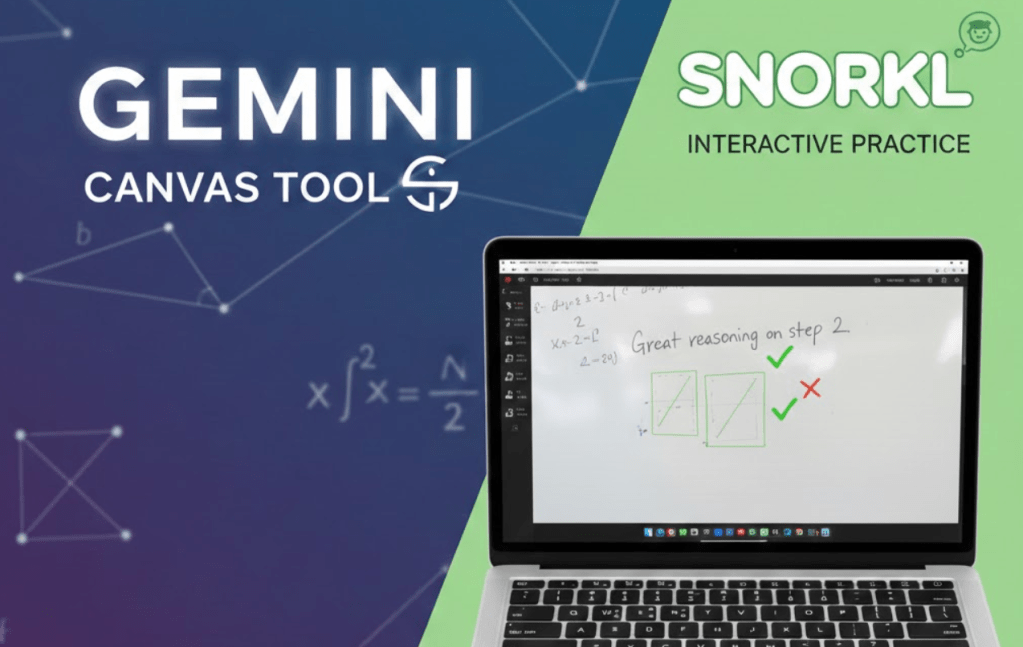
- Generate: Use Gemini Canvas to create accurate, standard-aligned math problems in seconds.
- Transform: Upload screenshots to Snorkl to provide students with immediate, reasoning-based feedback.
- Balance: Combine paper-and-pencil solving with digital uploads to keep the focus on mathematical logic.
Preparing students for high-stakes statewide assessments often feels like a race against time. Educators frequently run into the same roadblock: a shortage of high-quality practice problems that mirror the specific standards students will face. When the released sample questions run dry, creating new ones from scratch can take hours of valuable planning time. Recently, I collaborated with a high school math teacher to solve this exact problem using a streamlined digital workflow.
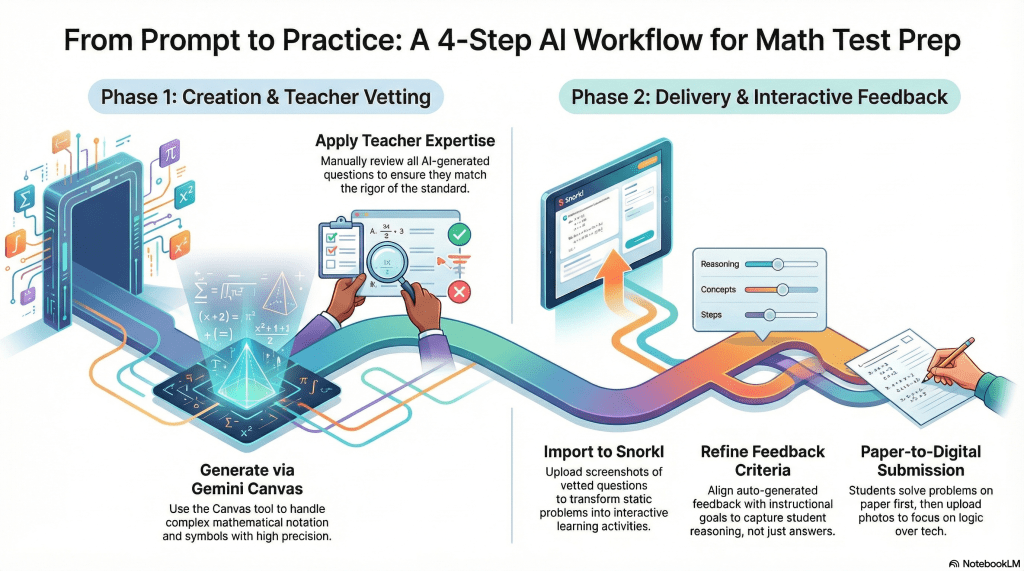
Our goal was to develop practice problems for standard A-CED.A.1, which focuses on creating equations and inequalities in one variable. To start the process, we turned to Gemini and utilized the Canvas tool. This specific tool is a game changer for math educators because it handles complex formatting and symbols with high precision. Standard AI outputs can sometimes struggle with the nuances of mathematical notation, but the Canvas interface generated five distinct, accurate practice questions in a matter of seconds.
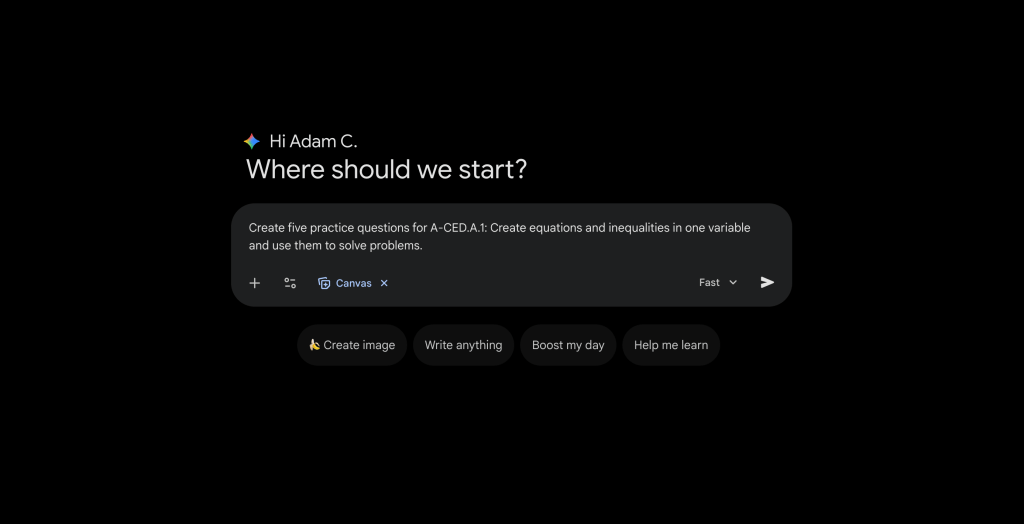
Once the questions were generated, we moved to the most important step: vetting. Even with powerful technology, the teacher’s expertise is the final authority. We reviewed each problem to ensure the rigor matched the standard and the notation was clear.
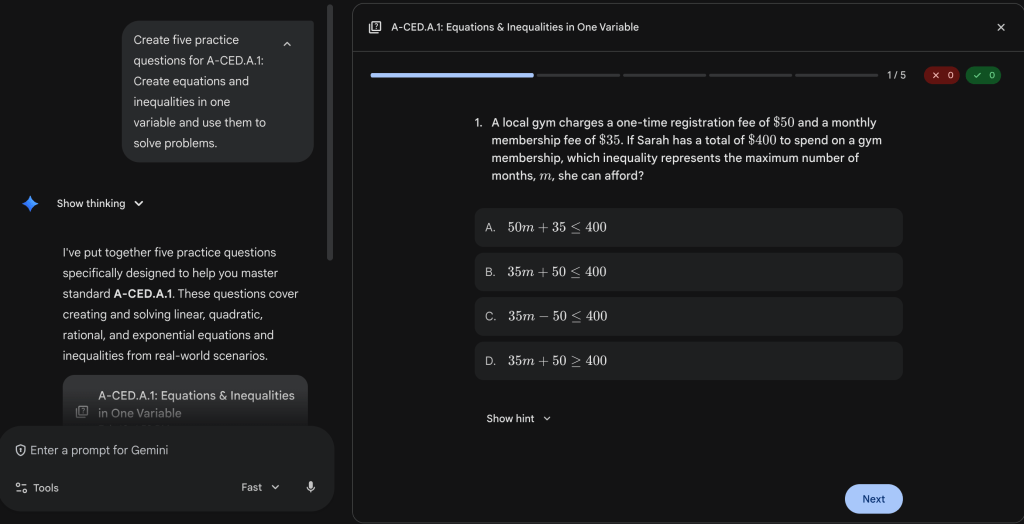
The next challenge was delivery. While a traditional paper worksheet is a reliable fallback, this teacher wanted a higher level of student engagement and more immediate feedback. We decided to move the questions into Snorkl. By taking screenshots of the vetted Gemini questions and uploading them as individual activities in Snorkl, we transformed static problems into interactive learning opportunities.
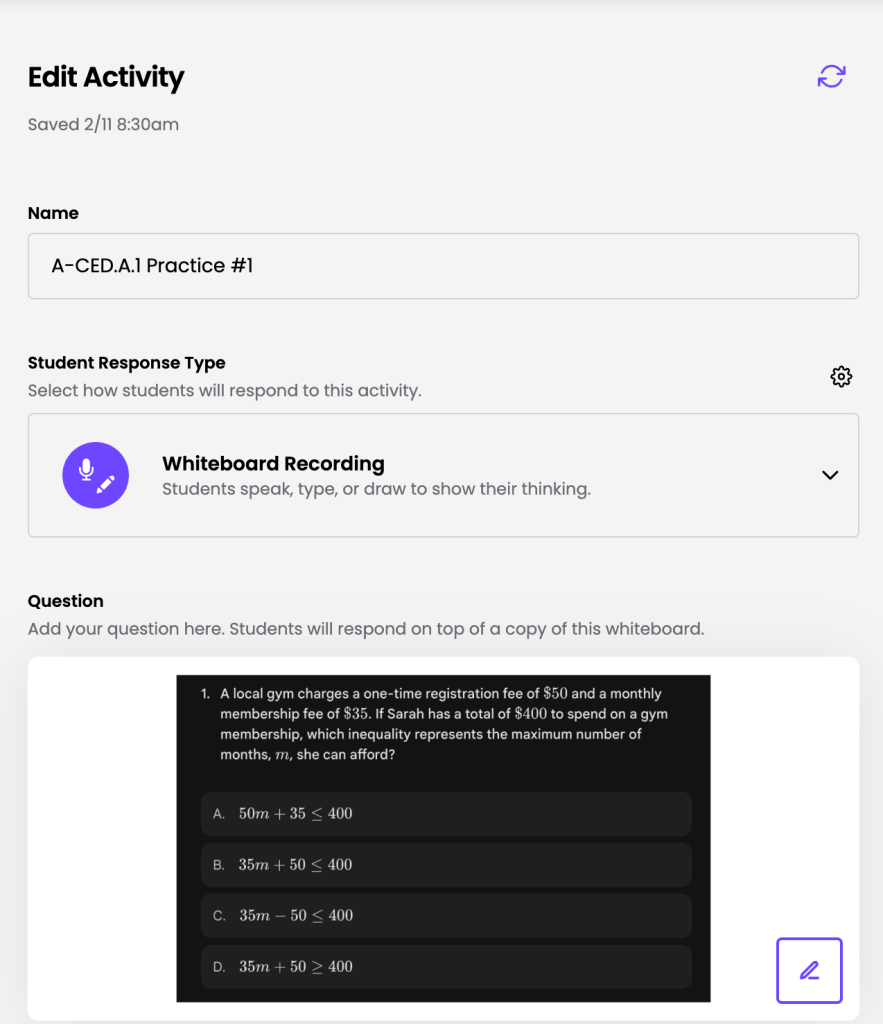
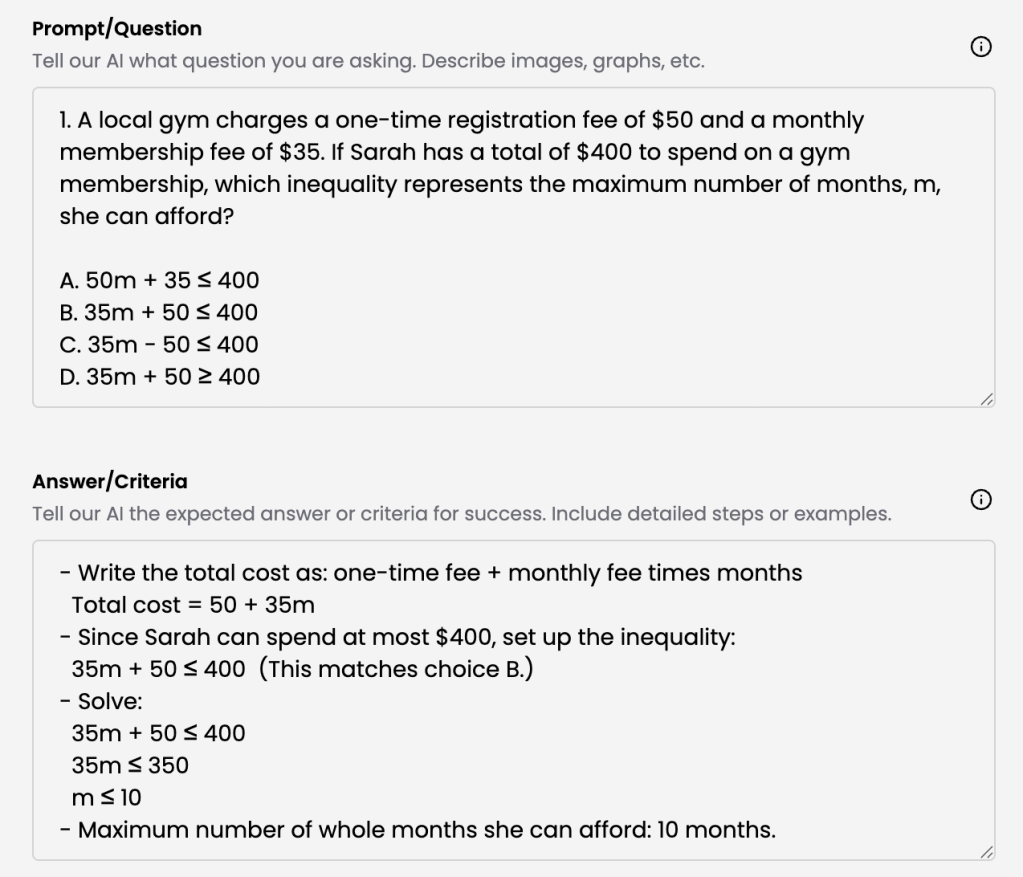
Within Snorkl, we took care to vet the auto-generated feedback criteria. This ensured that when students submitted their work, the guidance they received would be aligned with the teacher’s instructional goals. Snorkl allows students to work through a problem and receive prompt feedback not just on the final answer, but on their mathematical reasoning as well.
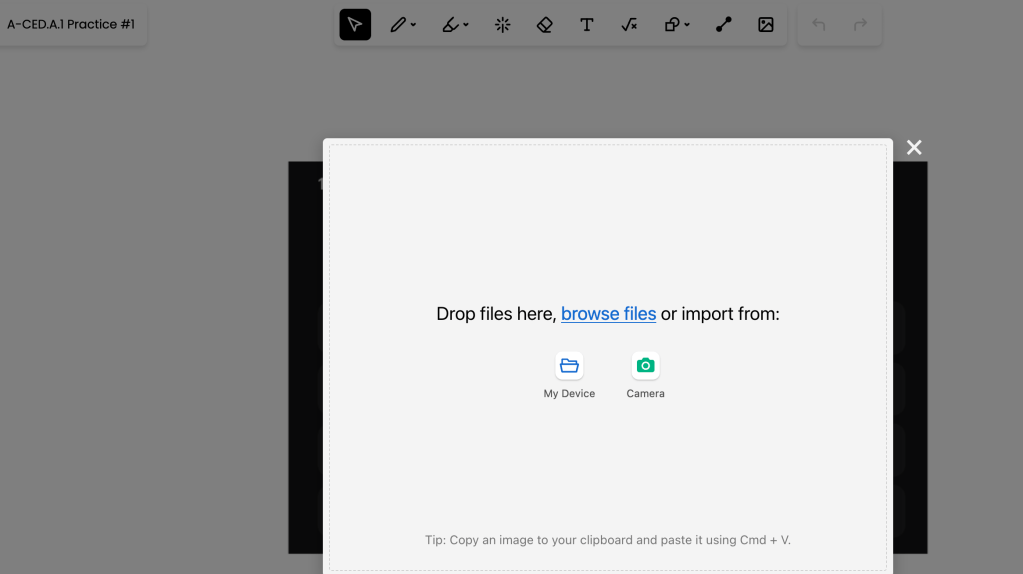
To keep the focus on the math rather than the tech, we gave the students a specific instruction. We asked them to work out each problem on scratch paper or a personal whiteboard first. Then, they used the camera function on their devices to upload a photo of their handwritten work to Snorkl. Many students found that using paper was more efficient than using a touchscreen, which allowed them to devote more mental energy to the logic of the equations.
This “recipe” for assessment prep is simple and repeatable. First, use Gemini with the Canvas tool to generate questions based on a specific standard. Second, vet those questions carefully for accuracy. Third, import them into Snorkl and refine the feedback criteria. Finally, publish the activities to your students. This workflow saves time on content creation while significantly increasing the quality of feedback students receive during their test preparation.
This blog post was drafted with the help of Google Gemini to help organize and flesh out my thoughts and ideas regarding how to use Gemini and Snorkl to assist with prep for state math assessments. I also used NotebookLM to generate a brief audio overview, perfect for those who want to listen and learn on the go.
If you enjoy this blog, you’ll love our new book, History Matters in an AI Era. Available now on Amazon, this book shares practical, research-based strategies for integrating technology into history lessons. You’ll learn how to use technology to increase student engagement and curiosity. Click here to get your copy today.

Leave a comment