
The Power of the Pivot
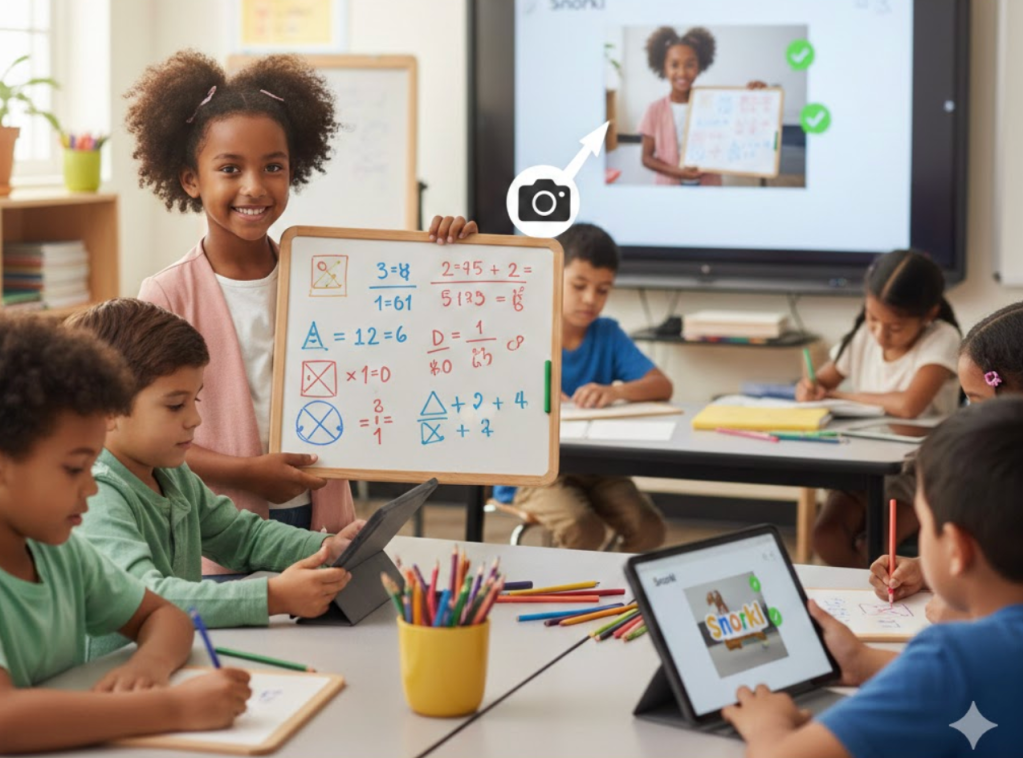
- Prioritize learning goals over specific digital tools to ensure technology enhances rather than hinders the educational experience.
- Remain flexible and ready to pivot when technical issues or student physical limitations interfere with a lesson’s success.
- Combine traditional tools like whiteboards with digital platforms to build on student strengths and teach valuable modern skills like image uploading.
As educators, we are often eager to introduce the latest tools to our classrooms, hoping to spark engagement and deepen understanding. However, as I always say, “we must lead with learning and never with tech.” If a tool is not advancing the learning process or if it starts to get in the way of student success, it is time to reassess its place in the lesson.
I recently experienced this firsthand while co-teaching a second-grade math lesson focused on subtracting two three-digit numbers within a word problem. My colleague and I decided to use Snorkl, a platform that provides students with authentic, real-time, and personalized feedback. We wanted students to not only solve the math but also explain the strategies they used to reach their answers.
The lesson began with high expectations, but we quickly encountered two significant hiccups. First, several of the older Chromebooks in the room had touchscreen issues, which made it difficult for students to use the digital drawing tools to work out their problems. Second, many of the students struggled with the fine motor skills and finger dexterity required to draw clearly on a screen. By the end of our first attempt, only one student had achieved mastery on the word problem.
After the students left, the teacher and I debriefed. I asked her how the students typically performed when using their physical personal whiteboards and markers. She noted that they were actually quite skilled and comfortable with those tools. This realization prompted us to pivot.
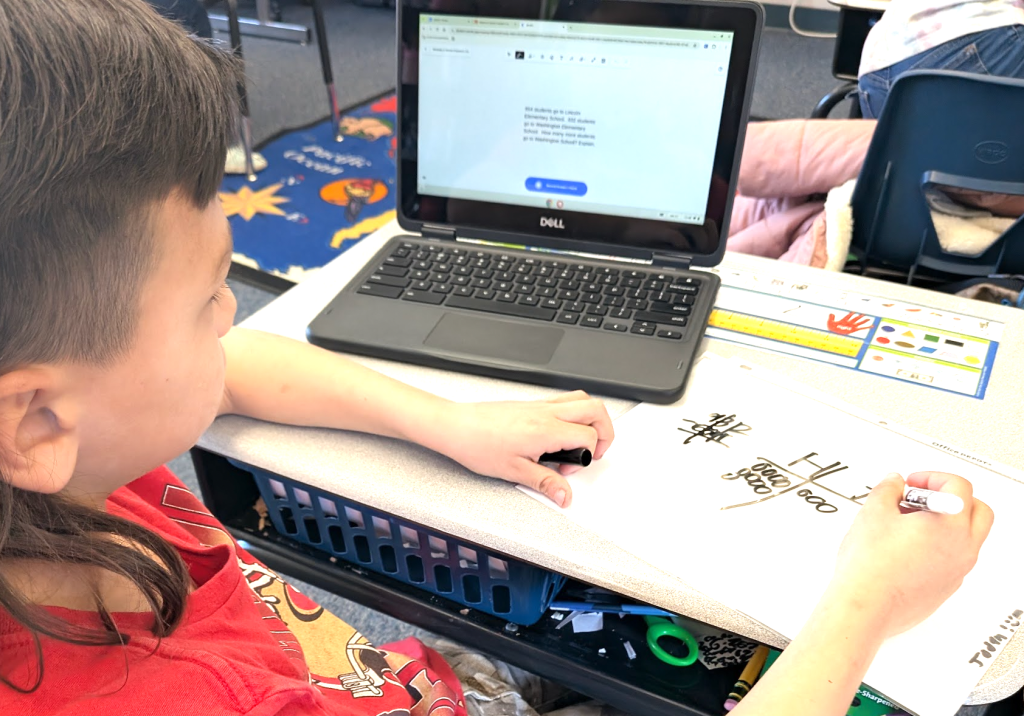
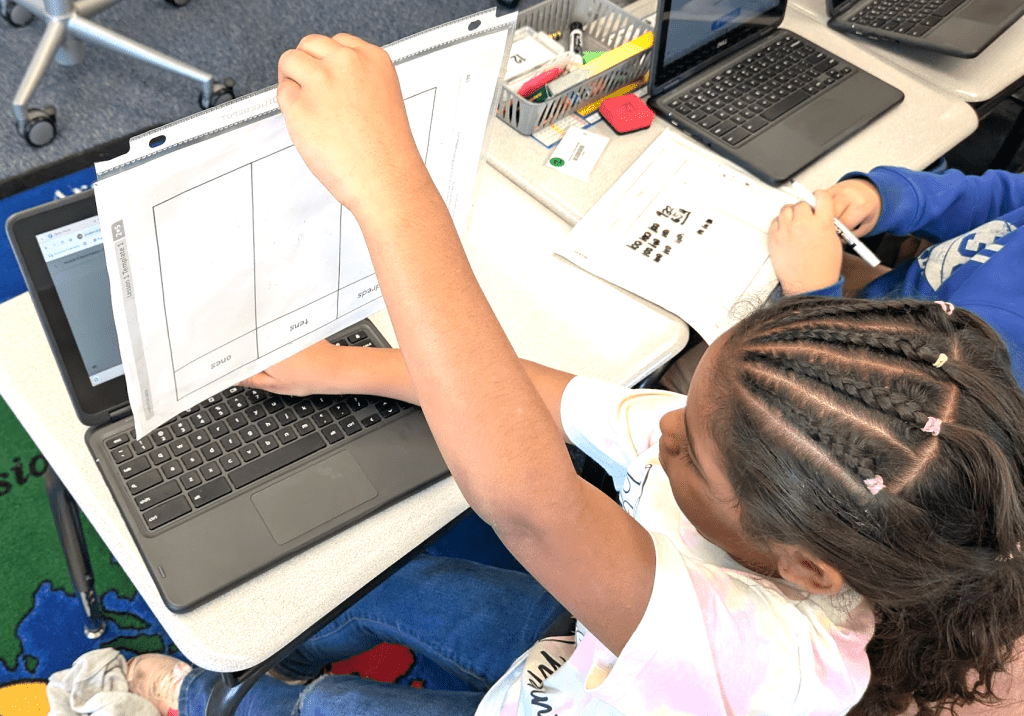
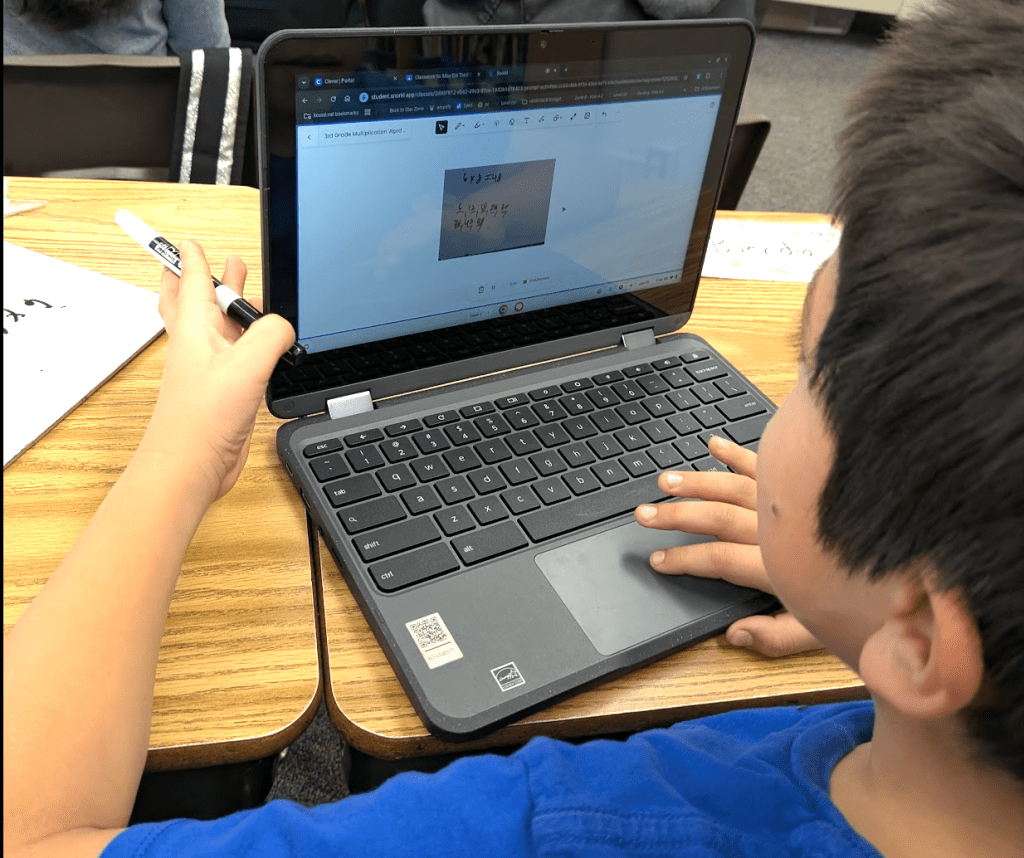
In the afternoon, we ran the lesson again with a new approach. We instructed the students to work out the math problem on their physical whiteboards first. Once they were finished, I gave a short demonstration on how to use the camera function in Snorkl to upload a photo of their whiteboard, ensuring they kept their faces out of the frame. Snorkl did a fantastic job of processing the static images of their handwritten math.
With the pressure of digital drawing removed, the students were able to jump straight into the verbal explanation of their reasoning. The results were immediate and impactful. In this second attempt, more than half of the students achieved mastery within one to three tries, and many others were very close to reaching that goal.
This experience reinforces the idea that we must be willing to change course when technology becomes a barrier rather than a bridge. By integrating a non-tech tool like a whiteboard with a powerful platform like Snorkl, we created a healthy balance that built upon student strengths. Our goal should always be to use technology to enhance the learning objective, and sometimes that means knowing when to step back and let traditional methods lead the way.
This blog post was drafted with the help of Google Gemini to help organize and flesh out my thoughts and ideas regarding how to use physical whiteboards in conjunction with Snorkl in an elementary math class. I also used NotebookLM to generate a brief audio overview, perfect for those who want to listen and learn on the go.
If you enjoy this blog, you’ll love our new book, History Matters in an AI Era. Available now on Amazon, this book shares practical, research-based strategies for integrating technology into history lessons. You’ll learn how to use technology to increase student engagement and curiosity. Click here to get your copy today.

Leave a comment