
- Originally, sources like Google Docs in NotebookLM were static and did not reflect live edits.
- A new refresh option now allows you to instantly sync a source with its most current version.
- This update enables you to work seamlessly with living documents without having to re-upload them.
As educators, we know that our plans and materials are rarely set in stone. A lesson plan evolves, a project guide gets updated with new resources, and collaborative slide decks change by the minute. Technology should support this dynamic process, not hinder it. For users of NotebookLM, a fantastic AI-powered research and writing partner, a recent update does just that by introducing a simple yet powerful source refresh feature.
Previously, when you added a Google Doc or Google Slides file to a notebook, that source was static. It was a snapshot of the document at the moment of upload. If you made a brilliant revision to your lesson plan or added a new slide with key information, NotebookLM remained unaware. The only solution was to delete the old source and upload the new version, or worse, start an entirely new notebook. This created extra steps and could disrupt a smooth workflow, which is the last thing a busy teacher needs.
Now, that friction is gone. NotebookLM allows you to refresh your Google Docs and Slides sources directly within your notebook. The process is incredibly straightforward. You simply select the source you wish to update and look for the refresh option. With a single click, NotebookLM will access the latest version of your file. All of its powerful features, from summarizing to answering questions, will now draw from your most current material.
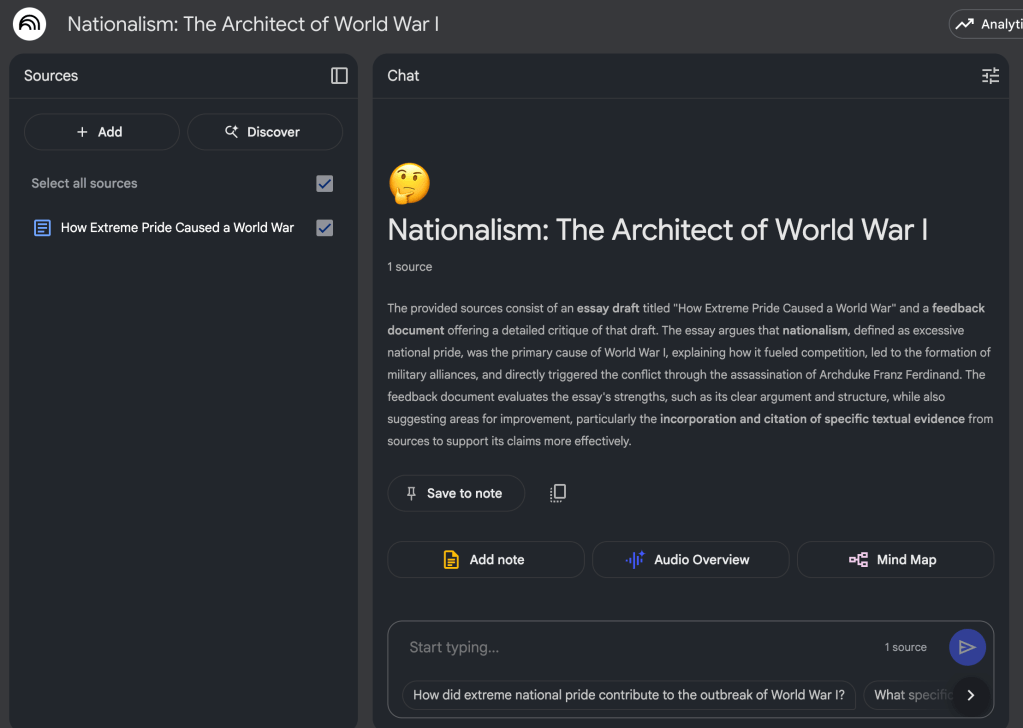
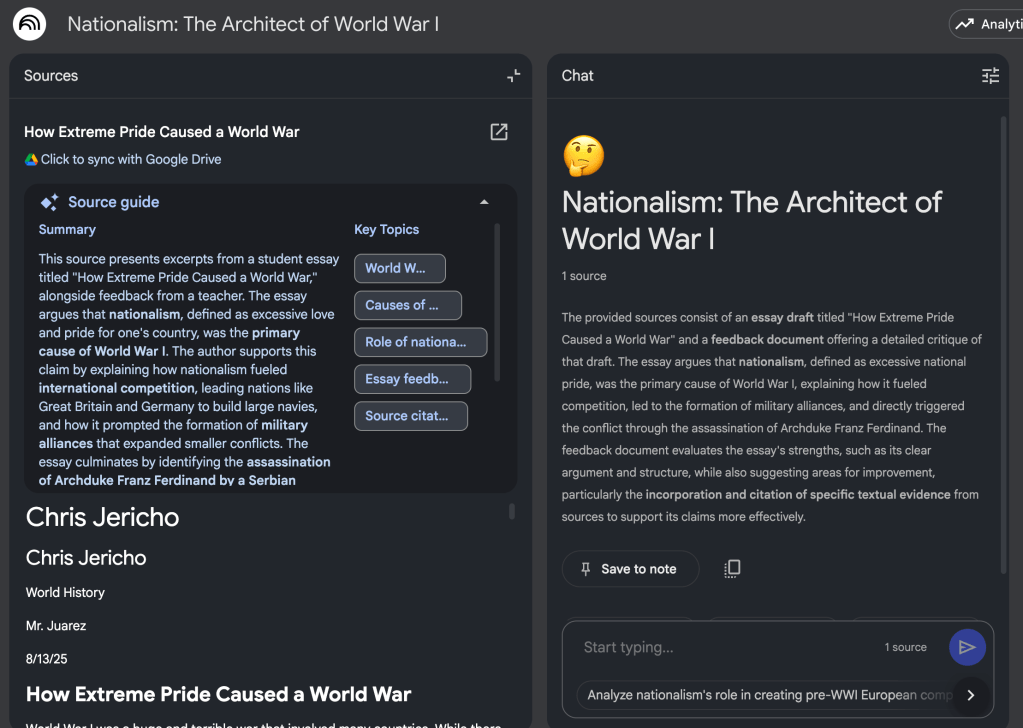
Imagine you have a NotebookLM dedicated to your unit on planetary science, with a Google Doc of lesson plans and a collaborative Google Slides presentation for student projects. As you refine a lesson or update slides, you can instantly sync those changes. You can then ask your notebook to generate quiz questions based on the final version of the student presentation or create a study guide from your updated lesson plans. This small change makes NotebookLM a truly living partner in your teaching practice, ensuring your AI assistant can keep pace with your work.
This blog post was drafted with the help of Google Gemini to help organize and flesh out my thoughts and ideas regarding this new feature in NotebookLM. I also used NotebookLM to generate a deep dive audio overview, perfect for those who want to listen and learn on the go.
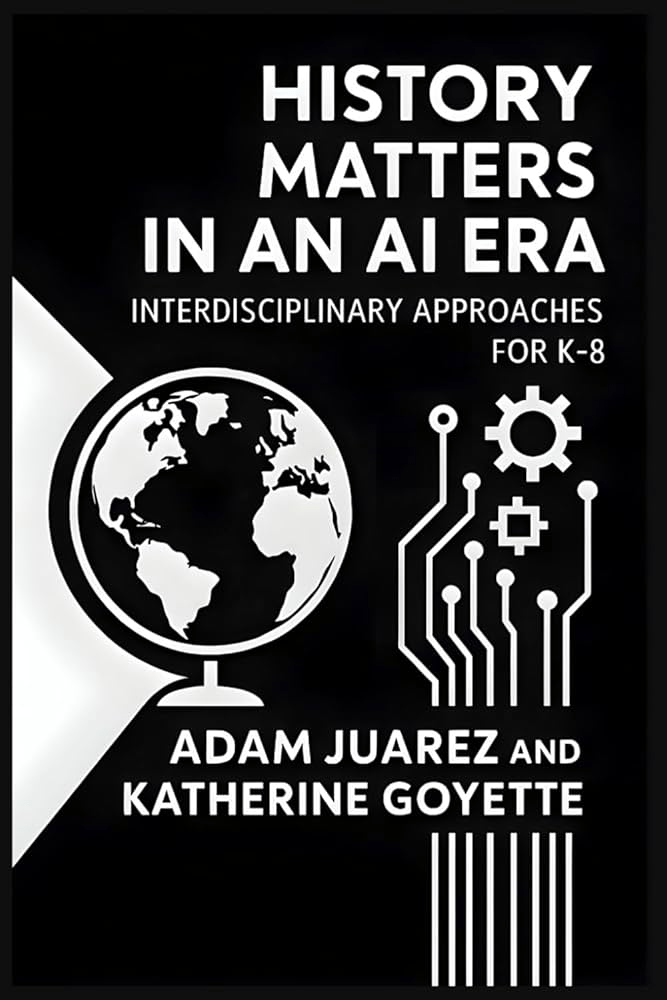
If you enjoy this blog, you’ll love our new book, History Matters in an AI Era. Available now on Amazon, this book shares practical, research-based strategies for integrating technology into history lessons. You’ll learn how to use technology to increase student engagement and curiosity. Click here to get your copy today.

Leave a comment