
- Turn your uploaded teaching resources into a visual Mind Map in seconds with NotebookLM.
- Easily organize and break down complex topics like historical events, science processes, or story elements.
- Download your Mind Map as a PDF to use as a lesson aid or student study tool.
Ever wish you could take a pile of teaching resources and magically turn them into a clean, organized visual for your students—or yourself? Good news: NotebookLM just launched a Mind Map feature, and it’s a game-changer for simplifying complex concepts in your classroom!
First, what is NotebookLM?
It’s an AI-powered tool from Google that helps you analyze, summarize, and explore your teaching materials all in one space—perfect for organizing lessons, planning units, or breaking down big ideas.
Let’s talk Mind Maps.
NotebookLM’s new Mind Map tool takes the sources you add to a Notebook and transforms them into a clear, connected visual map in seconds.
Getting started is a breeze.
- Create a new Notebook in NotebookLM.
- Upload your sources—up to 50! These can be:
- Google Docs or Slides
- URLs (yes, even YouTube videos!)
- Pasted text
- Files from your computer
- Once your Notebook is set up, head to the Chat column and click “Mind Map.”
- In under a minute, a button will appear in the Studio column. Click it—and your Mind Map is ready. With your Mind Map Open, click the little arrows to expand the view to see sub-points.
- Want to share or save it? Download it as a PDF with one click!

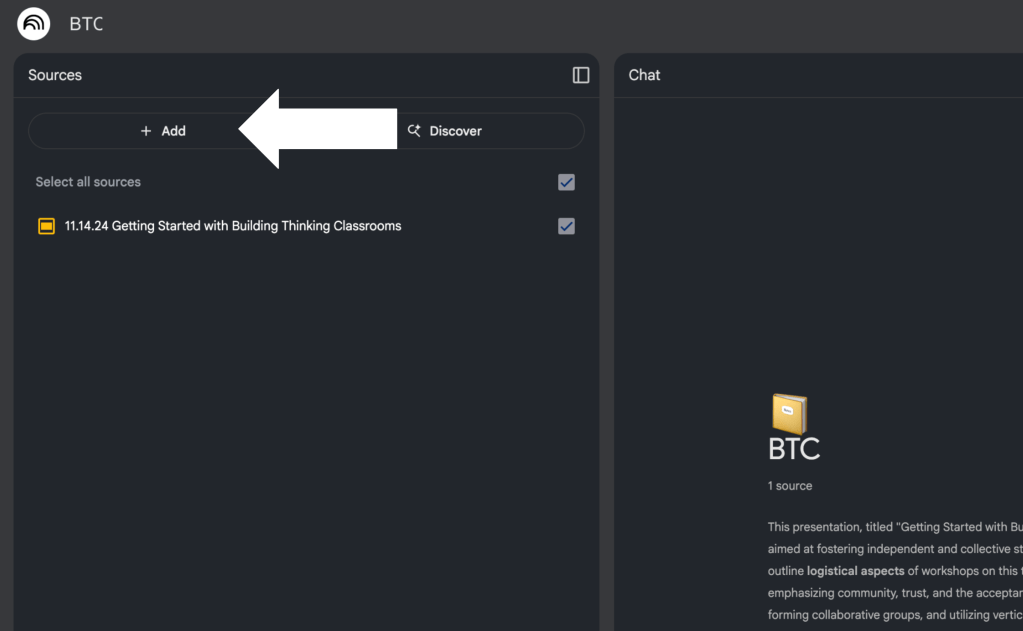

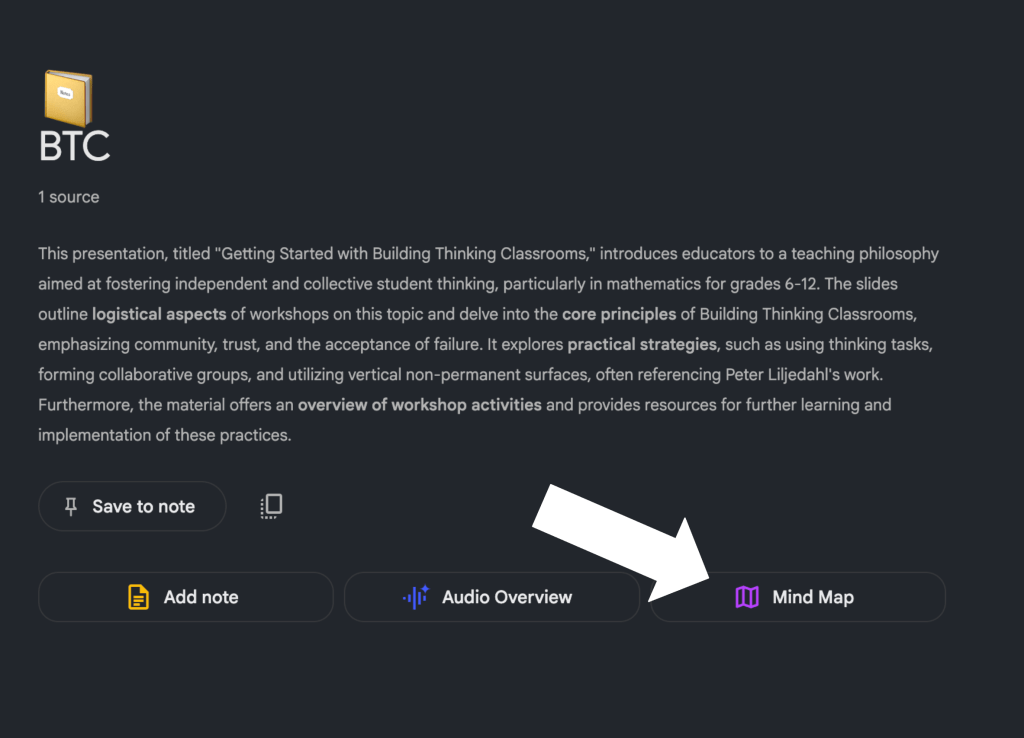
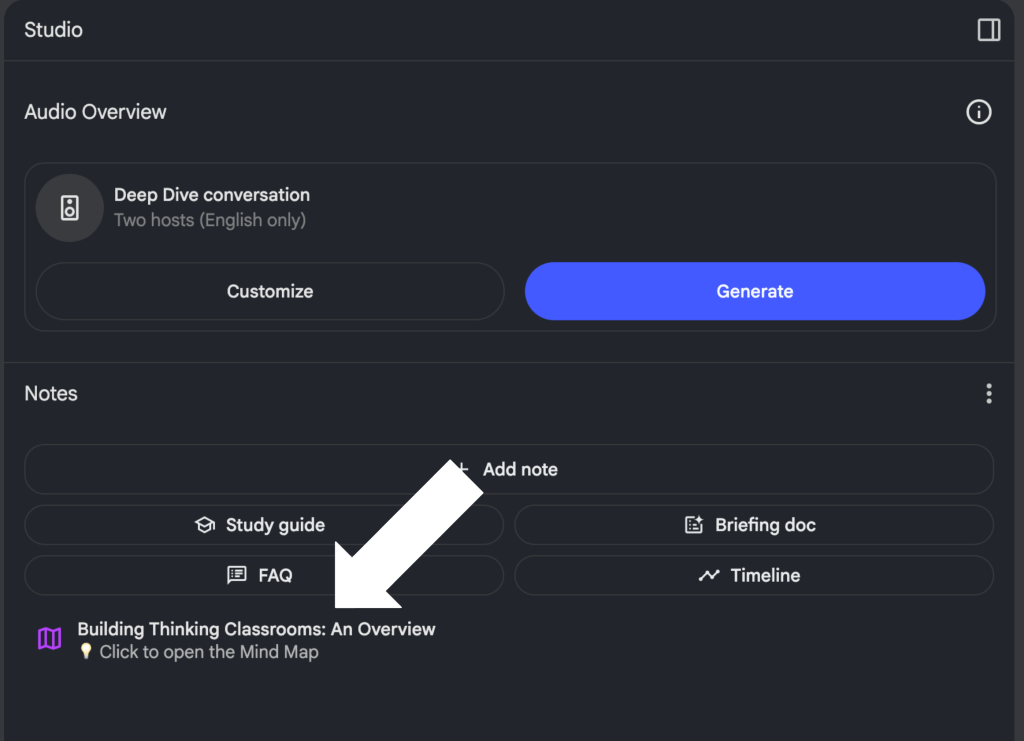
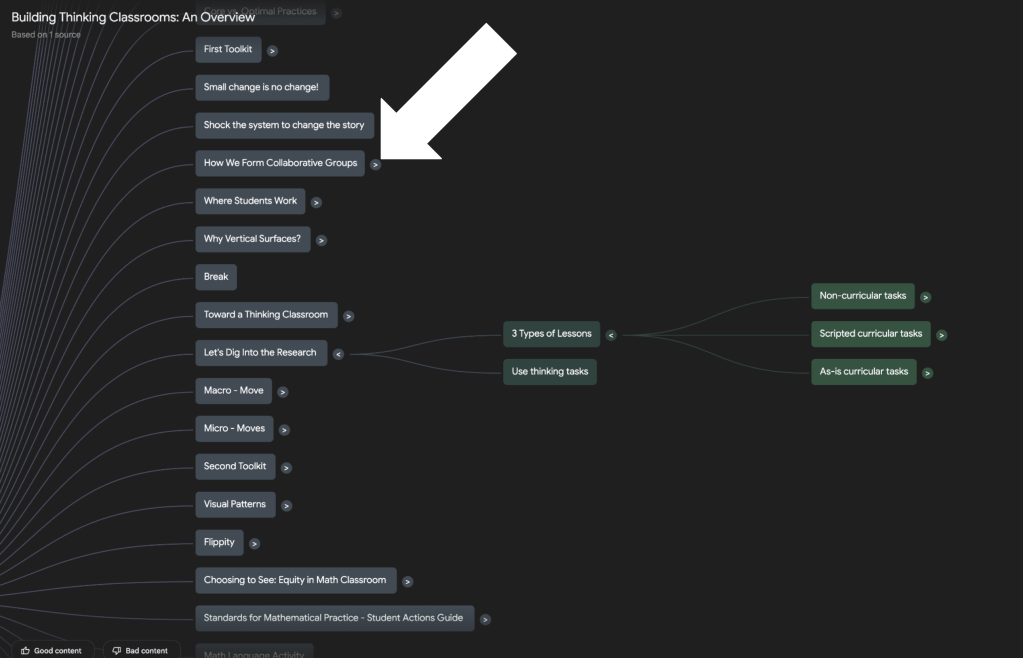
The Notebook shown in the slideshow above was built using a slide deck from a recent Building Thinking Classrooms workshop I attended.
So, how can this help in your classroom?
The possibilities are endless! Use Mind Maps to visually break down:
- The battles of a war in your history unit
- The steps in a natural process like the water cycle or photosynthesis
- The key elements of a story in your ELA lessons
Mind Maps can help your students see connections, grasp big-picture ideas, and support their own note-taking or project planning. And since the tool pulls from your exact sources, it’s personalized and relevant to what you’re teaching.
This blog post was drafted with the help of ChatGPT to help organize and flesh out my ideas around NotebookLM’s Mind Map feature. I also used NotebookLM to generate a deep dive audio overview—perfect for those who want to listen and learn on the go.

Leave a comment