
- Create custom, illustrated storybooks for your classroom using simple text prompts in Google Gemini.
- Enhance the reading experience with features like read-aloud audio, page-turning animations, and direct printing.
- Personalize educational content to engage students and make learning more accessible and dynamic.
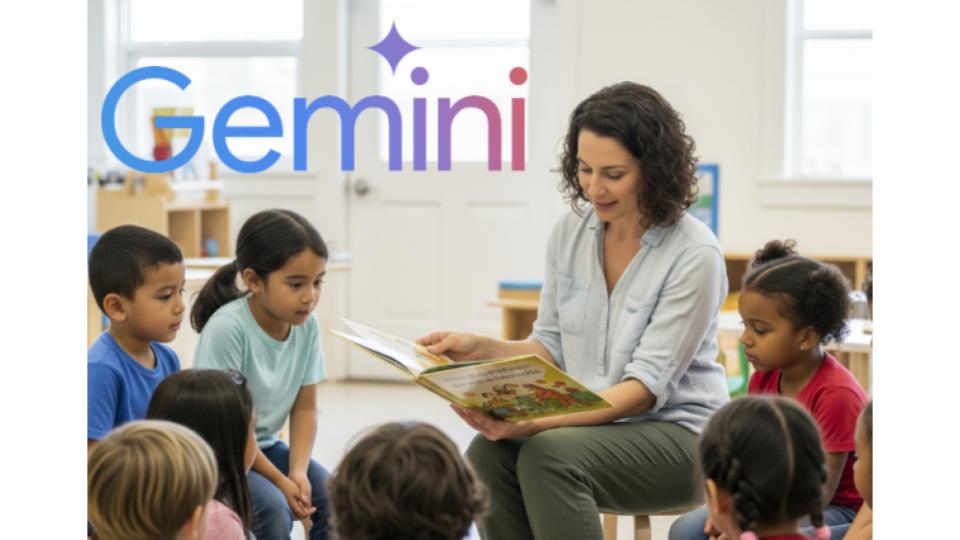
As educators, we know the magic that unfolds when a good story is shared in the classroom. Storybooks are a powerful tool for introducing new concepts, building foundational knowledge, and sparking a sense of wonder in our students. They provide a narrative anchor that feels far more engaging than a standard textbook, creating space for students to be curious before diving into the formal curriculum. Now, a remarkable new feature in Google Gemini is here to help us craft these stories ourselves.
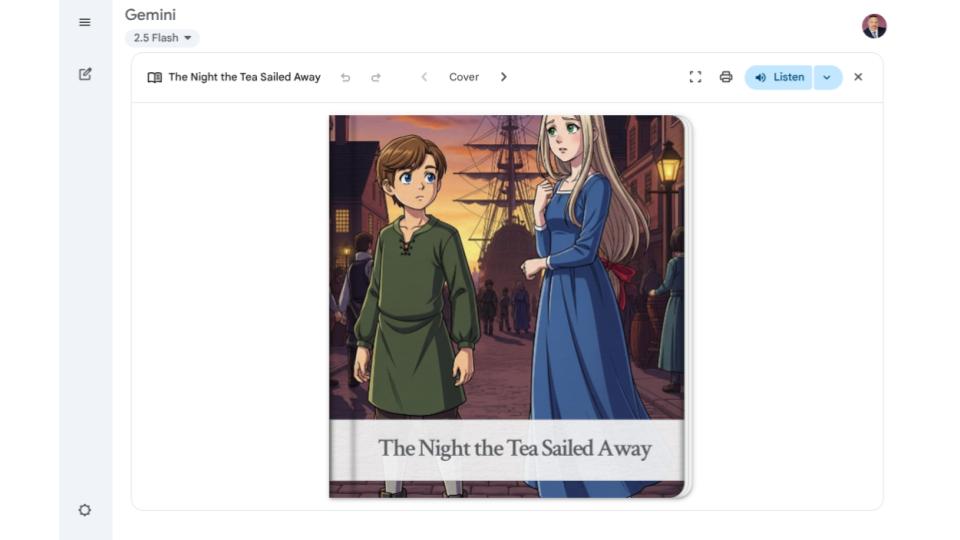
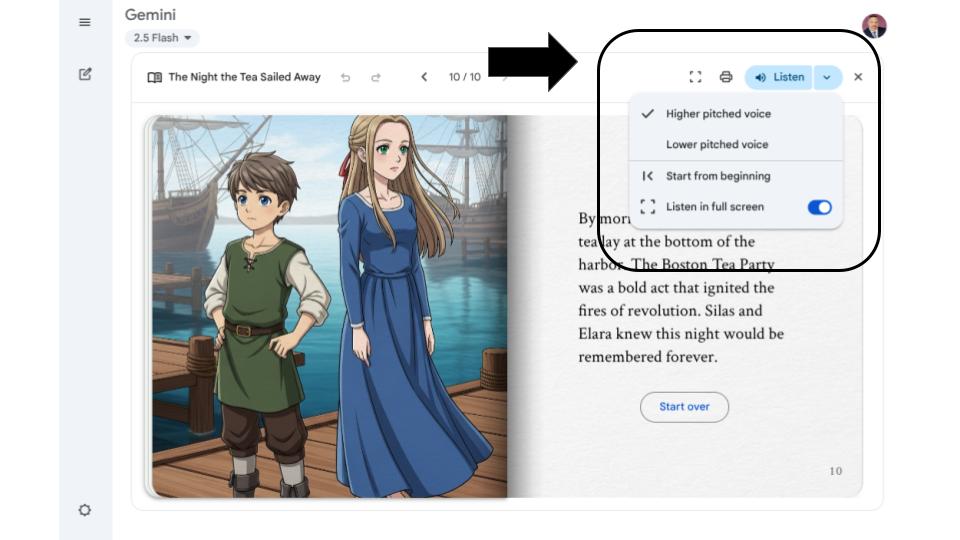
Gemini has recently released a true gem for teachers: an integrated tool trained to create beautifully illustrated storybooks from your prompts. The digital reading experience is enhanced with smooth page turning animations as you move through the story. To make these creations even more accessible, a built-in Listen feature will read each page aloud, with a few options for playback, adding a powerful auditory component. For classroom use, you can also print the storybook directly from Gemini, easily creating a physical copy for your library or for small group activities.
The key to unlocking this tool’s potential lies in the quality of your prompts. The more specific you are, the better the result will be. When you begin crafting your prompt, think like a director. You need to provide clear instructions on the content and topics to be covered. It is also important to define the style of the illustrations you envision, whether it is a cartoon, watercolor, or anime style. Specifying the target audience, such as first graders or middle schoolers, helps Gemini adjust the complexity and tone of the story. For even greater accuracy, you have the option to upload a file, like a lesson summary or key vocabulary, to help guide the content.
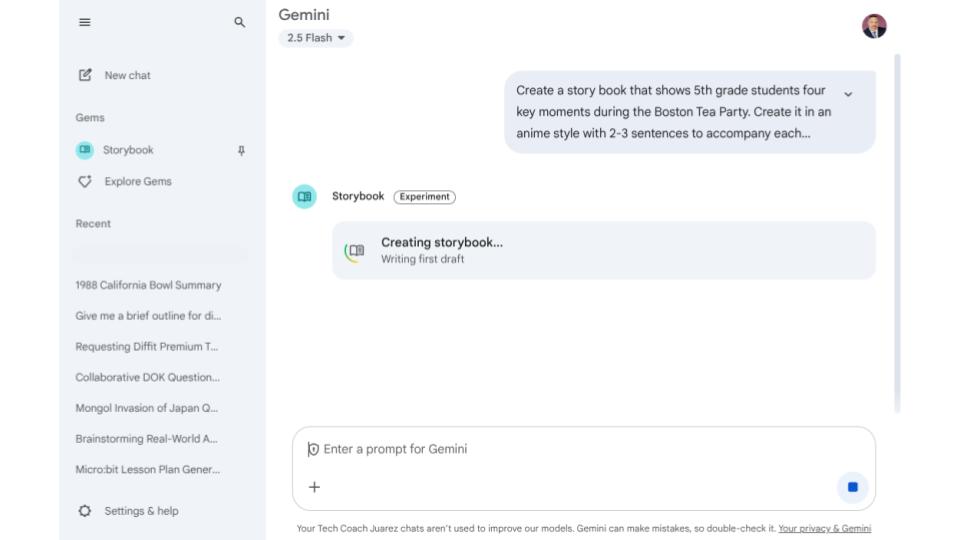
Let’s look at a practical example. A fifth grade teacher preparing a unit on the American Revolution could use the following prompt: “Create a story book that shows 5th grade students four key moments during the Boston Tea Party. Create it in an anime style with 2-3 sentences to accompany each moment.” This prompt is effective because it clearly states the grade level, the specific historical event, the number of key moments, the desired illustration style, and the length of the text for each image.
This technology empowers us to become creators, not just consumers, of educational content. It offers a simple yet profound way to customize learning materials, making any topic more accessible and exciting for our students. By blending our pedagogical expertise with this intuitive tool, we can continue to foster curiosity and build knowledge, one custom story at a time.
This blog post was drafted with the help of Google Gemini to help organize and flesh out my thoughts and ideas regarding the new Google Gemini Storybook feature. I also used NotebookLM to generate a deep dive audio overview, perfect for those who want to listen and learn on the go.

Leave a comment